
Download Music Equalizer APK – music equalizer, audio enhancement, bass boost, volume control, VU meter, audio equalizer, sound customization, music app, audio tuning, Android audio tool
Overview
Music Equalizer is a lightweight Android application designed to enhance audio playback across popular music apps such as Spotify, Google Play Music, and others. The software provides users with direct control over their device’s audio output, allowing for personalized sound profiles tailored to individual preferences. By adjusting specific frequency bands, listeners can fine-tune their audio experience, improving clarity, depth, and overall enjoyment. This tool is ideal for music enthusiasts who seek greater control over how their favorite tracks sound on their mobile devices.
The application supports real-time audio adjustments, enabling users to modify sound settings while music is playing. It is particularly useful for enhancing low-end frequencies through its built-in bass boost feature and for visualizing audio levels via the integrated VU meter. These features make it suitable for both casual listeners and audiophiles looking to optimize their mobile audio output. The developer, SoundWave Labs, has positioned this tool as a simple yet effective solution for audio customization on Android.
Key Features & Capabilities
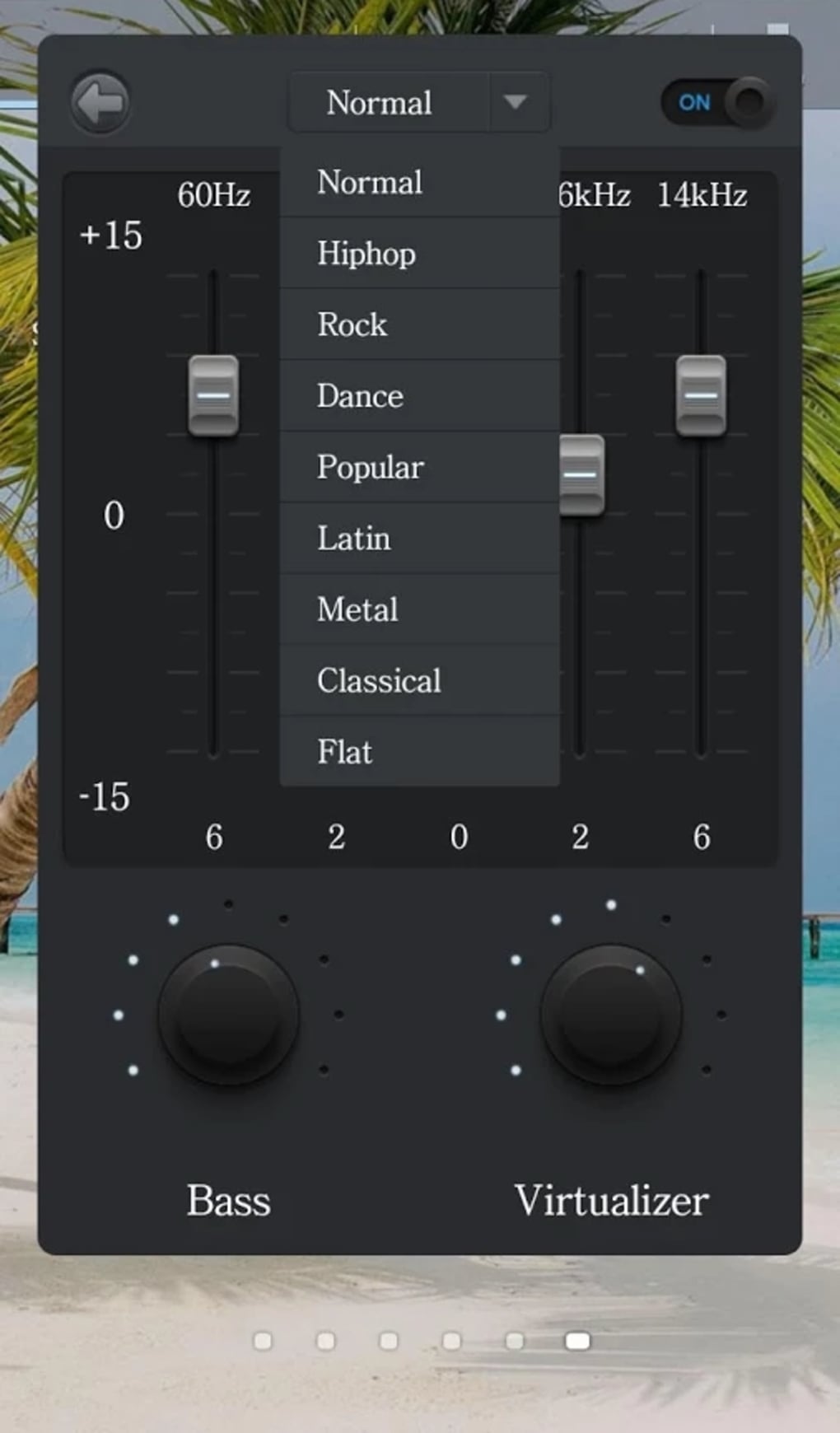
- Five-band equalizer – Offers precise control over low, low-mid, mid, high-mid, and high frequencies, allowing users to shape the sound signature of their music.
- Bass boost – Enhances low-frequency response for richer, more powerful bass in genres like hip-hop, electronic, and rock.
- Volume dial – Provides a dedicated volume control interface for quick and intuitive level adjustments during playback.
- VU meter – Displays real-time audio level visualization, helping users monitor output intensity and prevent distortion.
- Presets library – Includes a selection of pre-configured sound profiles for different music genres and listening environments.
- Custom preset saving – Allows users to create and store personalized equalizer settings for future use.
- Virtualizer effect – Simulates a wider stereo field, enhancing spatial perception and immersion during playback.
These features enable users to adapt their audio output based on music type, personal taste, or listening environment. For example, a user might apply a “Bass Boost” preset for a party setting or create a custom “Classical” profile with balanced mids and highs. The integration with major music apps ensures that settings remain active regardless of the playback source.
User Interface, Workflow & Performance
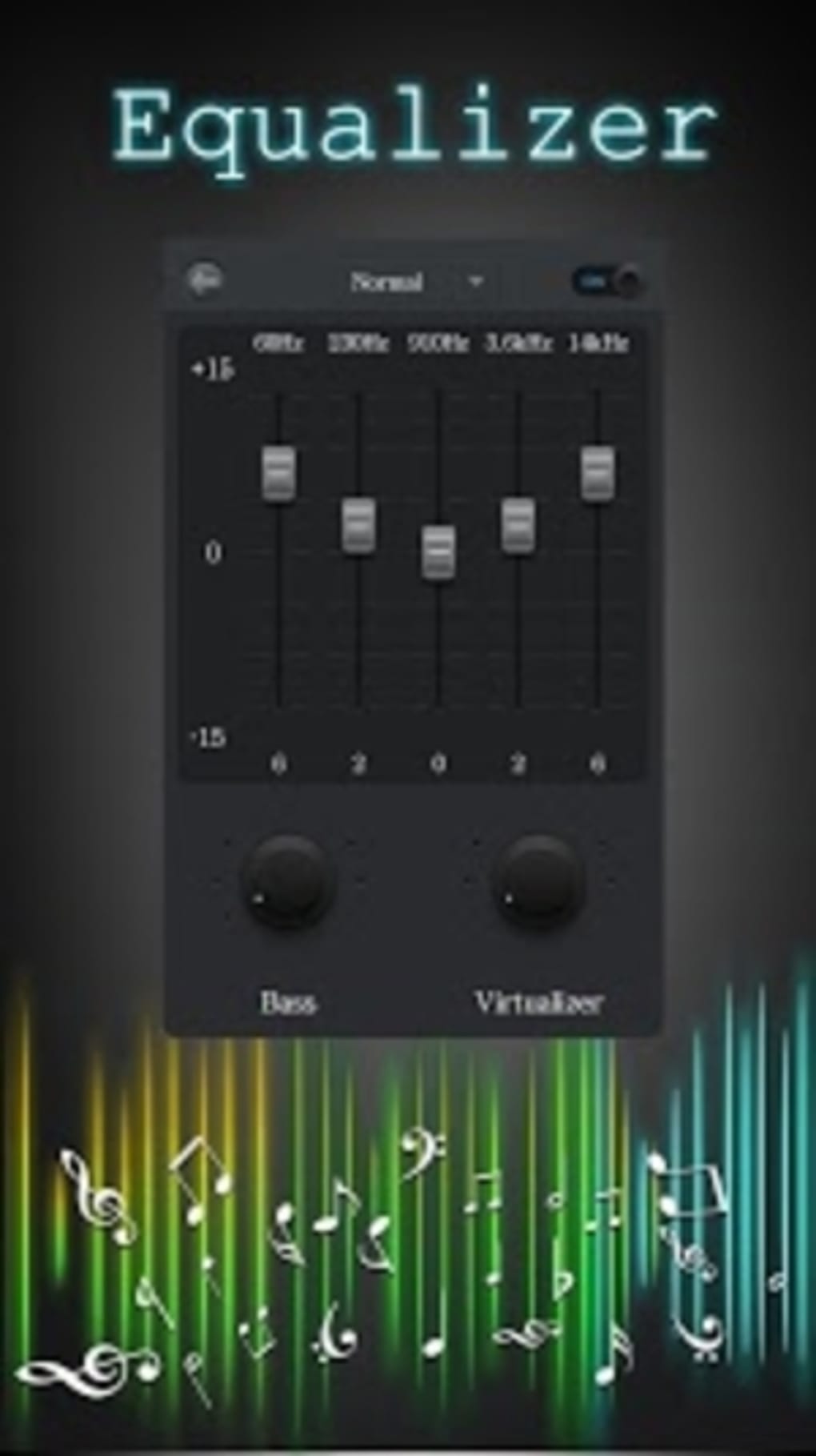
Music Equalizer features a clean, minimalistic interface designed for ease of use. The main screen displays the five-band equalizer sliders, a volume dial, and the VU meter, all arranged in a logical layout that prioritizes accessibility. Navigation is straightforward, with intuitive controls that require minimal learning. Users can switch between presets with a single tap and adjust sliders with a simple drag gesture.
The workflow is optimized for real-time use—changes take effect immediately, allowing users to fine-tune sound while music plays. The application runs efficiently in the background, with no noticeable lag or interference with other apps. The developer did not specify resource usage details, but the small file size of 4.5 MB suggests a lightweight design. Performance observations are based on general software behavior patterns, indicating stable operation under normal usage conditions.
Compatibility & System Requirements
Music Equalizer is designed for Android devices and is compatible with a wide range of smartphones and tablets running the supported OS version. The software is available as an APK file, allowing installation on devices that may not have access to the Google Play Store. The application size is 4.5 MB, making it suitable for devices with limited storage capacity.
Exact system requirements were not listed. Compatibility information was partially provided, with the OS specified as Android. The developer did not provide additional system requirements. Users should ensure their device meets standard Android app compatibility standards for optimal performance.
Pros and Cons
Pros
- Lightweight at only 4.5 MB
- Simple, intuitive interface for quick adjustments
- Real-time audio tuning during playback
- Supports multiple music apps including Spotify and Play Music
- Includes bass boost and virtualizer for enhanced sound
- Custom presets can be saved and recalled easily
- Free to download and use
Cons
- Exact system requirements were not specified
- Limited to Android platform
- No advanced audio analysis or automatic tuning features
- Virtualizer effect may not be noticeable on all devices
- Does not support external audio devices beyond standard Bluetooth or wired headphones
FAQ Section
Is Music Equalizer compatible with all Android devices?
Music Equalizer is designed for Android, but exact compatibility details were not provided by the developer. It is recommended to install on devices that meet standard Android app requirements.
Is the app safe to download and use?
Music Equalizer is distributed as a free APK and is developed by SoundWave Labs. No security warnings were reported. As with any third-party app, users should download from trusted sources to ensure safety.
Does Music Equalizer require a paid subscription?
No. The software is completely free to download and use. There are no in-app purchases or subscription models mentioned in the available information.
Can I use Music Equalizer with Spotify and other music apps?
Yes. The app is designed to work with popular music applications such as Spotify, Google Play Music, and other standard audio players on Android.
How often are updates released for Music Equalizer?
The developer has not disclosed update frequency. The current version is 3.2.1, released on April 15, 2024. Users are advised to check for updates periodically.
Final Thoughts
Music Equalizer stands out as a streamlined, effective tool for enhancing audio quality on Android devices. Its combination of a five-band equalizer, bass boost, VU meter, and customizable presets delivers meaningful control over sound output without overwhelming users with complexity. The ability to save custom settings and use real-time adjustments makes it ideal for music lovers who want to personalize their listening experience across different genres and environments.
While it lacks advanced features like automatic audio analysis or multi-device support, its core functionality is well-executed and efficient. The free pricing model and minimal system footprint further enhance its appeal. For anyone seeking a reliable, no-frills audio enhancement tool on Android, Music Equalizer offers excellent value.
Download Music Equalizer now





.png)

